Web interface / Food ordering / Figma
Food Ordering
Wireframes.
From craving
to checkout.
A food-ordering website exploration connecting menu browsing, item details, the cart and checkout, with supporting landing and account views.
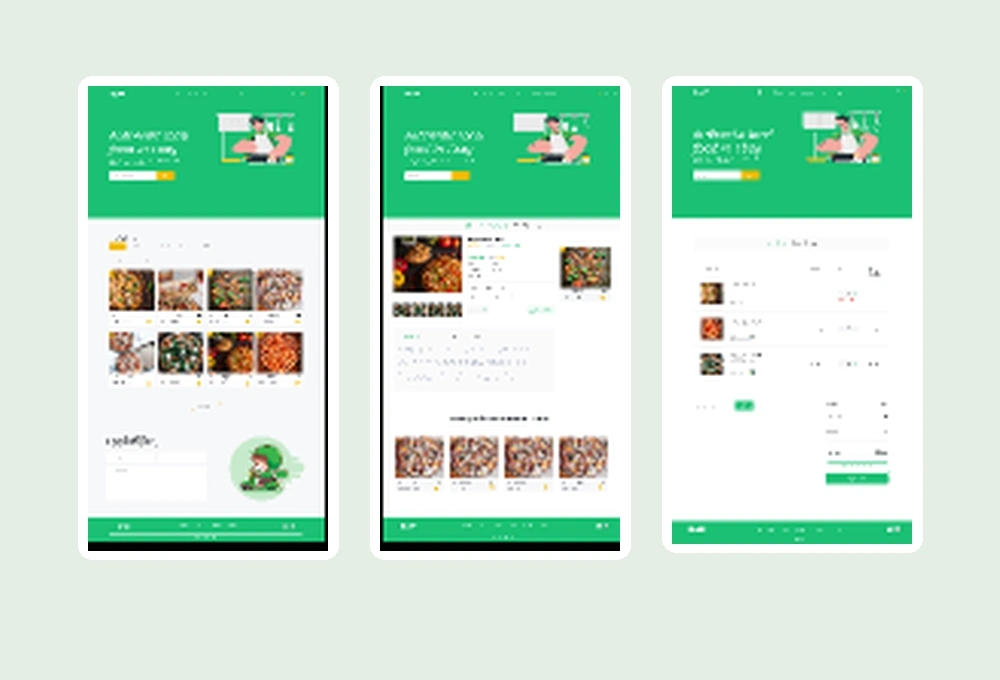
- Study
- UI/UX design exploration
- Format
- Website interface
- Tool
- Figma
- Focus
- Menu, cart & checkout
01 / The ordering sequence
A choice becomes
an order.
Six views from the shared design. Open a preview for a closer look, or inspect the original in Figma.
Browse the menu
Food photography and a repeated card grid bring the available choices into view.
Explore an item
A selected dish gets its own view, with supporting details and related menu items.
Review the cart
A side panel keeps selected items beside the menu before moving into checkout.
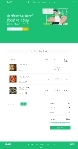
Check the order
An itemised summary gathers the selection and totals in one place.
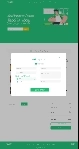
Enter payment details
A focused form appears over the order page as part of the checkout exploration.
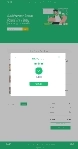
See the confirmation
A green confirmation mark closes the visible ordering sequence.
These images are crops from the public file preview. Open Figma to inspect the original design.
02 / Around the experience
More than
the menu.
The file explores the surrounding website too, from first impressions to account and dashboard views.
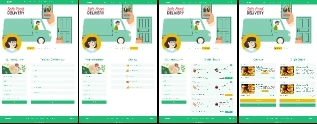
Delivery landing views
Four variations combine illustrated delivery scenes with content and food cards.
Alternative landing views
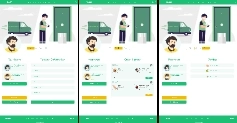
Three variations explore a different illustrated introduction and supporting sections.
Account form views
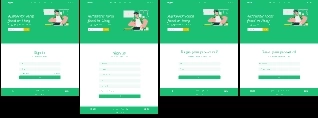
A family of simple forms shares the same green header and footer treatment.

Dashboard views
The wider canvas also includes table, chart and dashboard layout explorations.
The shared design
See the
whole picture.
This presentation follows the visible screens in the supplied food-ordering Figma file. The full preview preserves their arrangement on the canvas.
Inspect the original in Figma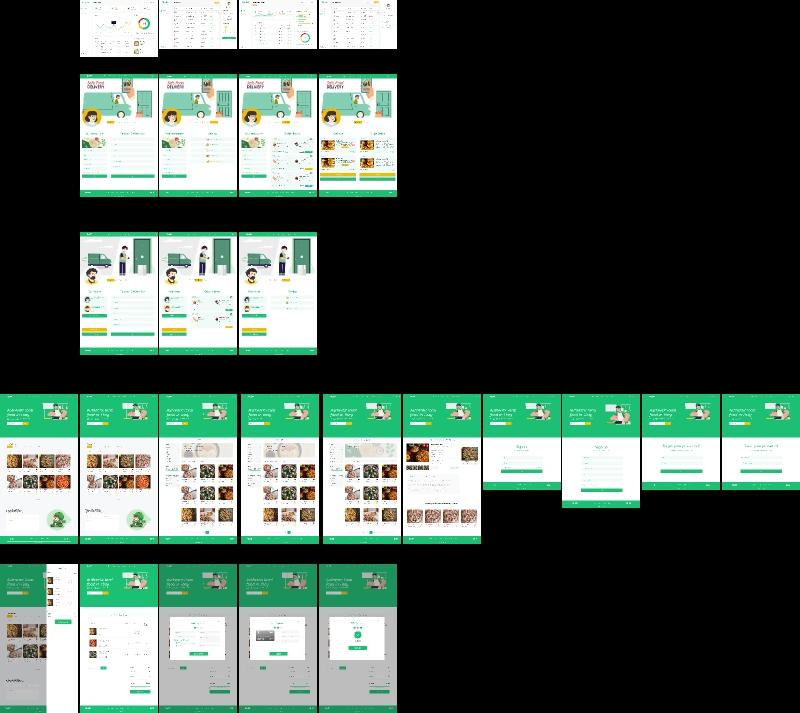
Contact / Start a project
Let’s talk about your project.
A new website, a fresh identity, or a place on your team. I’d love to hear what you’re working on.
adedayotimilehin2@gmail.com

Adedayo Timilehin
Graphic Designer | Web Designer & Developer
Thoughtful brands and websites, from visual identity to digital experiences.
View LinkedIn Profile (opens in a new tab)Adedayo Timilehin
@timmzydesigns
A closer look at my design work, branding and creative projects.
View Instagram Profile (opens in a new tab)Adedayo Timilehin
@timmzy_real
Follow along with my creative journey and connect with me on TikTok.
View TikTok Profile (opens in a new tab)
Adedayo Timilehin
Available for freelance projects
Let's discuss your next website, branding or design project.
Start a Conversation (opens in a new tab)